GPT Image 2 in Neiron
A model for high-quality images, photo edits, and visual iterations.
Capabilities
Prompt-based generation
Editing from a source photo
Visual variations
Best for
How to launch
- 1
Open the image generator and choose the model.
- 2
Add a prompt and references when the edit flow needs them.
- 3
Review the result and rerun with a sharper prompt if needed.
Settings
News examples
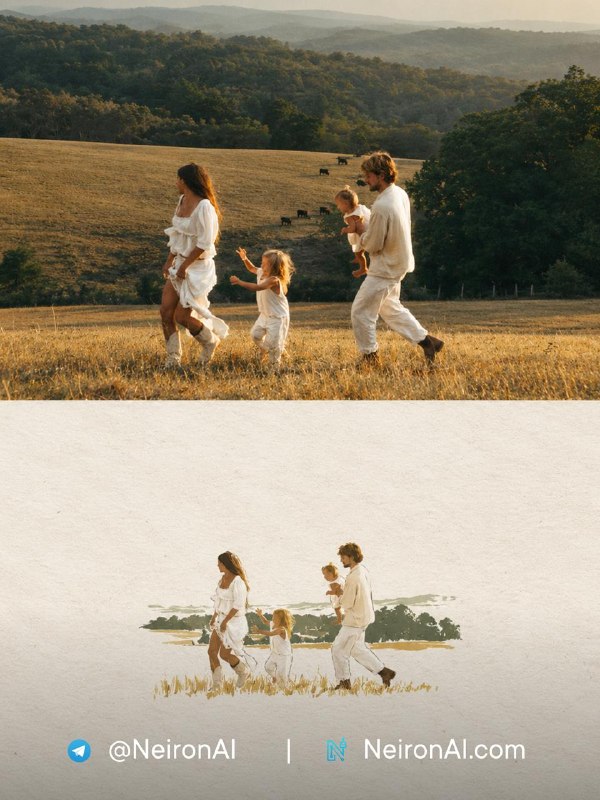
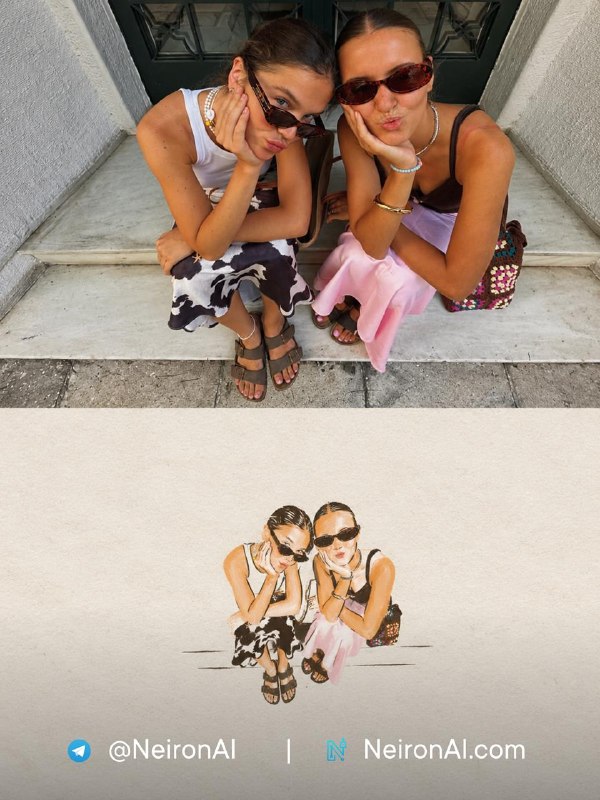
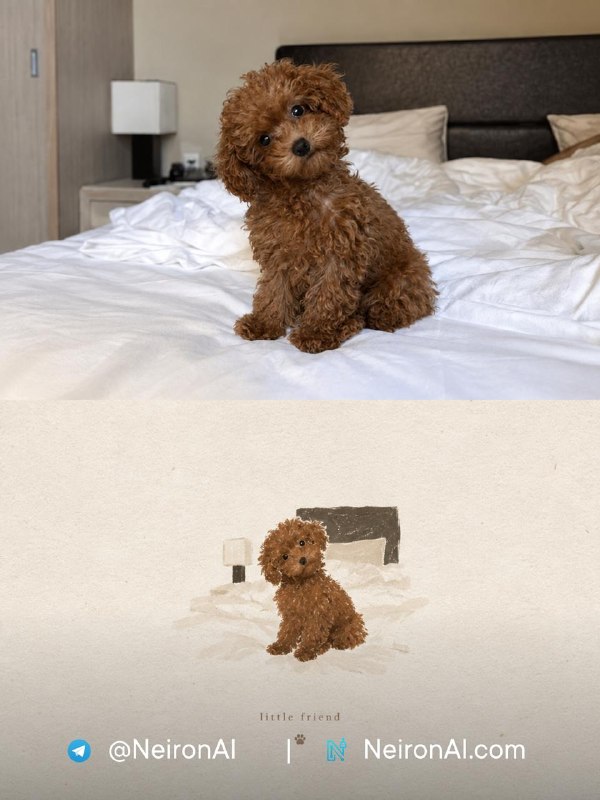
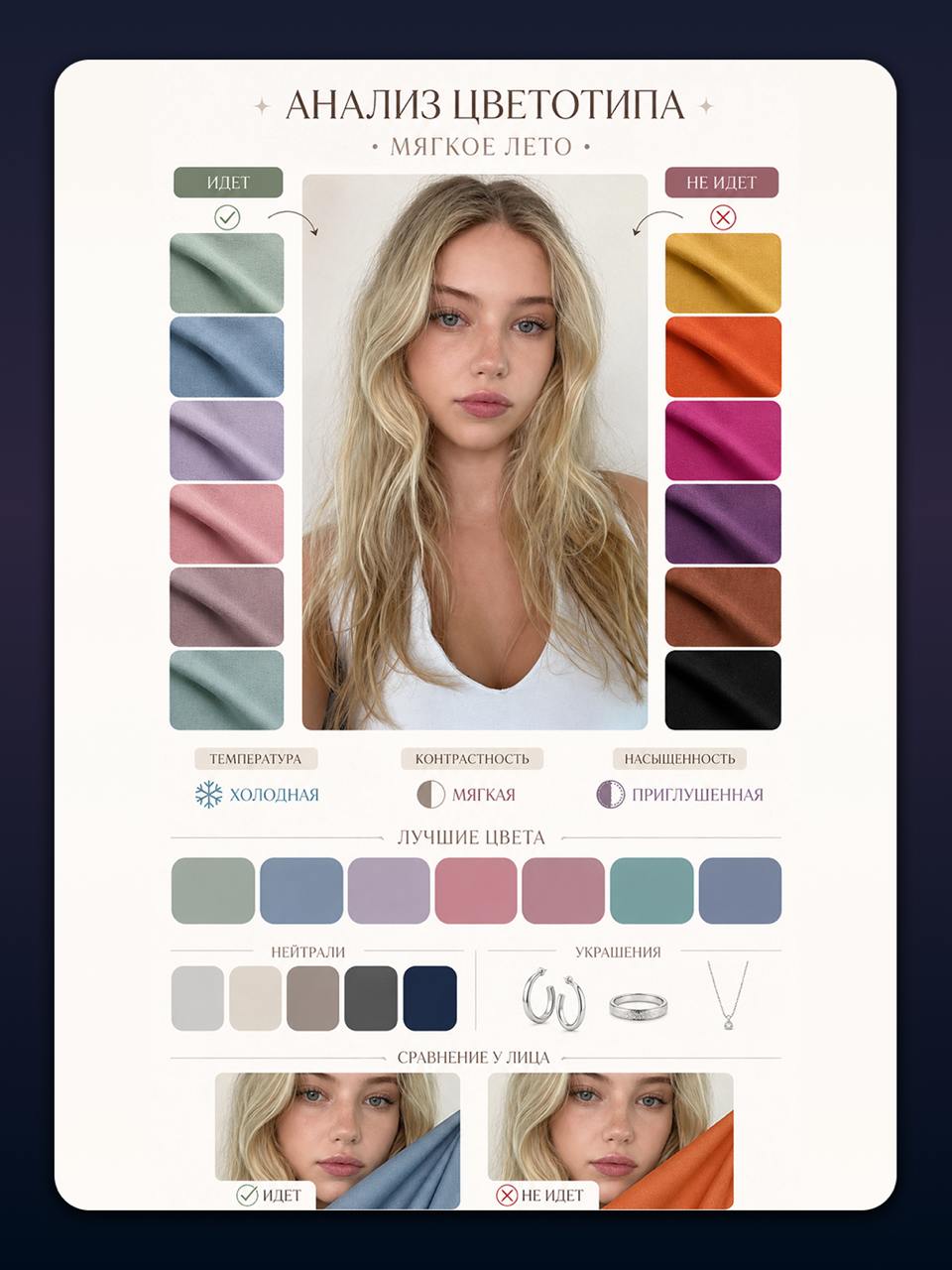
Prompts
Poster for an AI service: clean interface on a glass desk, soft reflections, premium light.
Edit photo: replace background with a modern studio, preserve face and pose.
Article cover: several AI models as light panels around a laptop.
Compare with
Update history
 3
3Новый карточный тренд — забирайте, пока он не стал массовым!
Нашли интересный тренд в зарубежном Pinterest: создавайте стильные коллажи из своих фото и карточек. Так можно оформить сторителлинг или просто собрать подборку любимых кадров 🔥 ✨ Как повторить эффект: 1. Перейдите в бота и нажмите кнопку «🎨 Создать картинку». 2. Выберите модель 🖼GPT Im…
 3
3Нейросеть-стилист: цветотип, причёска и макияж по одному селфи
Три готовых промпта GPT Image 2, которые превращают селфи в персональный разбор стилиста: карта цветотипа, схема подбора причёсок и инфографика по макияжу.
Create a Paper ASMR Trend with Seedance
Imagine your product looking like it's made of paper with impressive ASMR — looks unusual, mesmerizing, and immediately catches attention 👀 ✨ How to replicate the effect: 1. Go to the web platform and navigate to the 'Design' section. 2. Select the model 🌠 GPT Image 2 and upload your photo. 3. Co…
 2
2You won't see anything cuter today
Repeating a cute trend - turning your beloved pets into unique sticker packs with Neiron 😍 ✨ How to replicate the effect: 1. Go to the bot and click the '🎨 Create Image' button. 2. Select the model 🌠 GPT Image 2 and upload your pet's photo. 3. Copy the prompt below and send…
 2
2New trend: caricature portrait of your personality
A format is going viral on social media where AI turns your photo into a funny caricature with tons of details: from emotions to small habits 🔥 The result is a 'caricature of your personality' that fits perfectly in your feed and gets reactions! In Neiron, you can replicate this in just a couple o…
How to Review AI Models Without Unconfirmed Announcements
Template for a monthly review: what can be taken from the current catalog, where a release date is needed, and how to avoid turning a model list into a news story without a source.
FAQ
Can I generate from a reference?
Yes, when the selected model mode supports source images.
Where can I see examples?
Check the Neiron News section: it shows news, prompts, and examples with media.