Neiron: leading AI models on one platform

AI image generation online in Neiron

Describe what you want to create and start generation in the web workspace. Results and limits stay in your Neiron account.

View pricing

Product examples

Before/after and generated images

These are real public Neiron assets from the existing product gallery: photo edits, study tasks, and generated visuals.
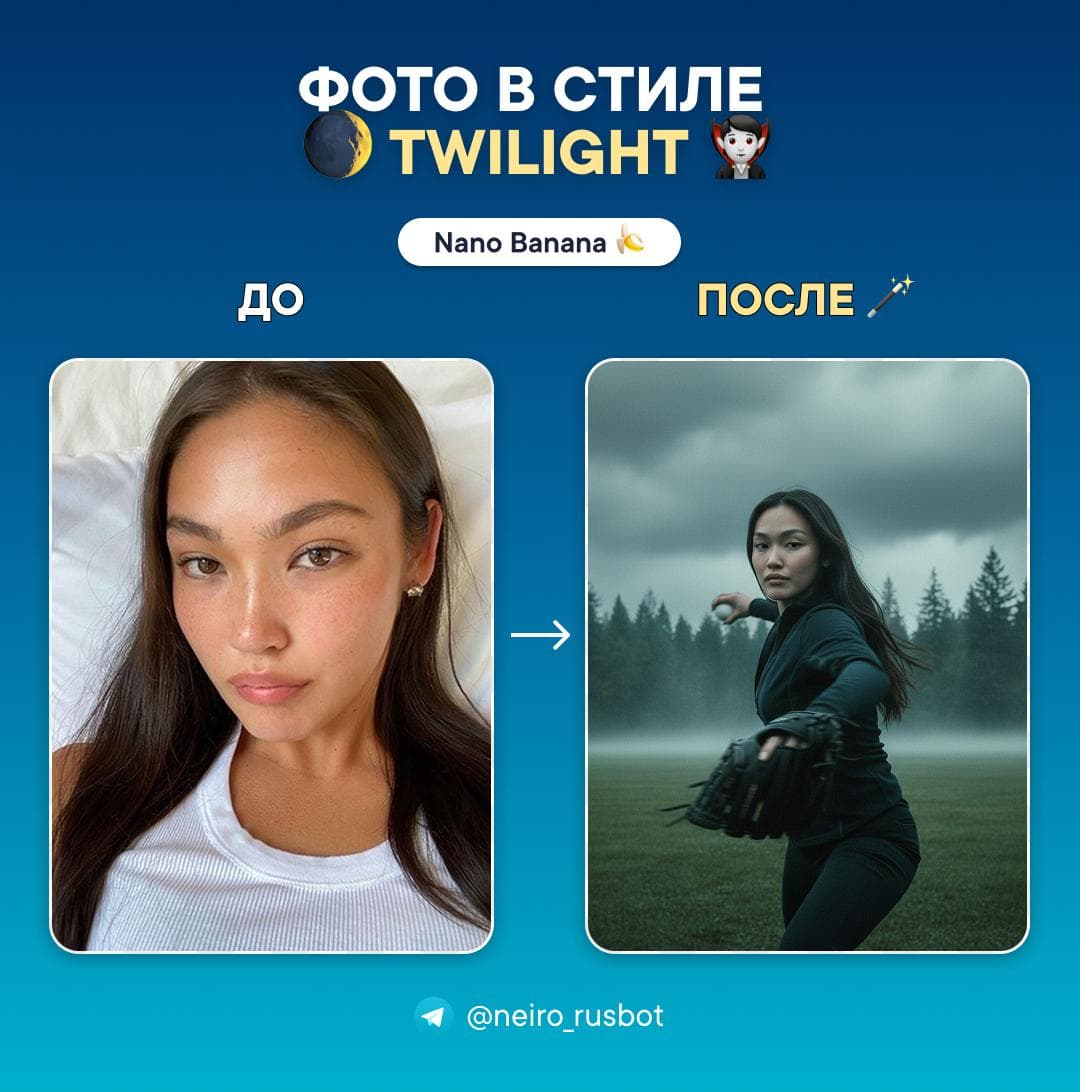
Before and after example: a portrait turned into a Twilight-style scene with Nano Banana
before/after

Twilight-style portrait

Nano Banana

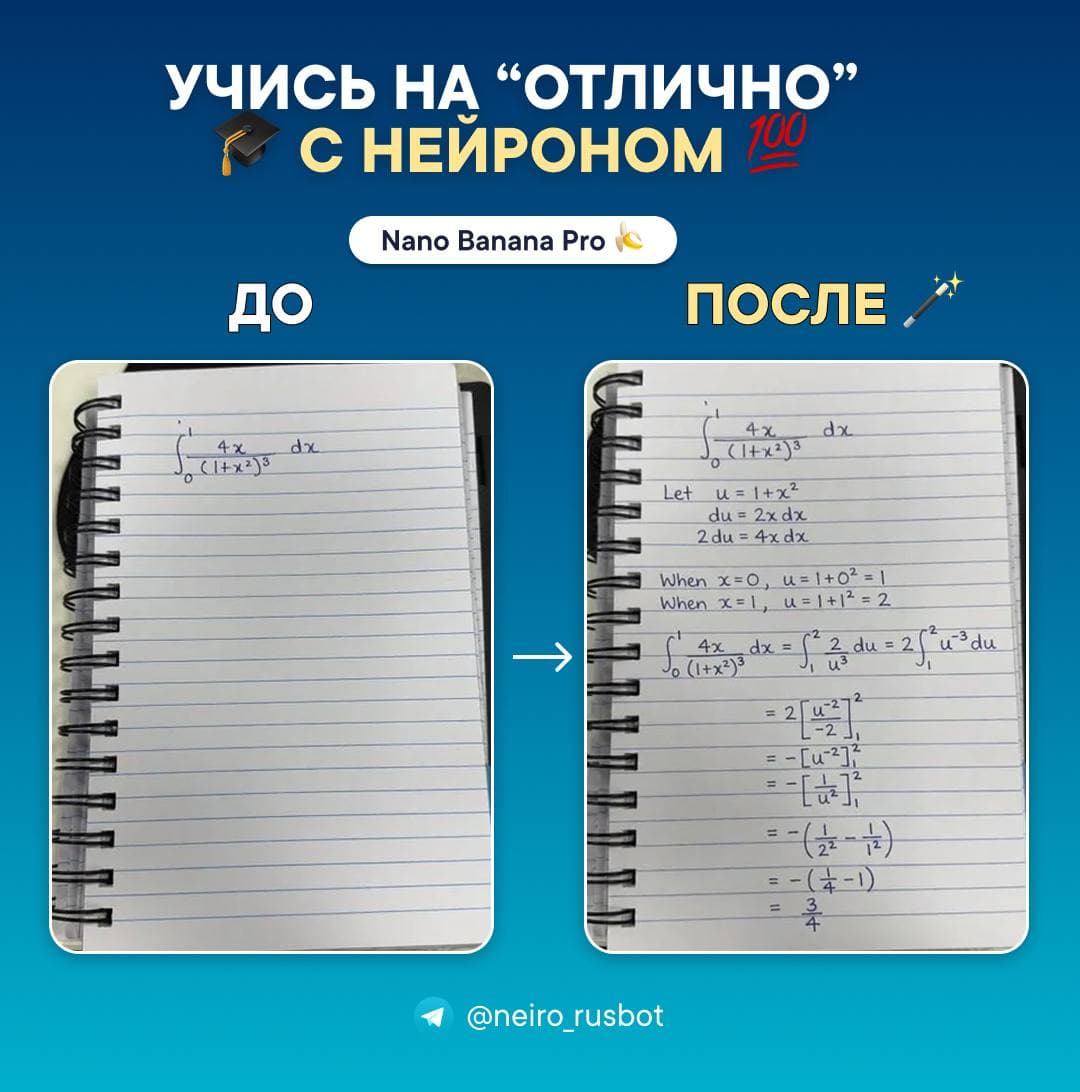
Before and after example: a notebook problem turned into a detailed solution with Nano Banana Pro
before/after

Study problem walkthrough

Nano Banana Pro
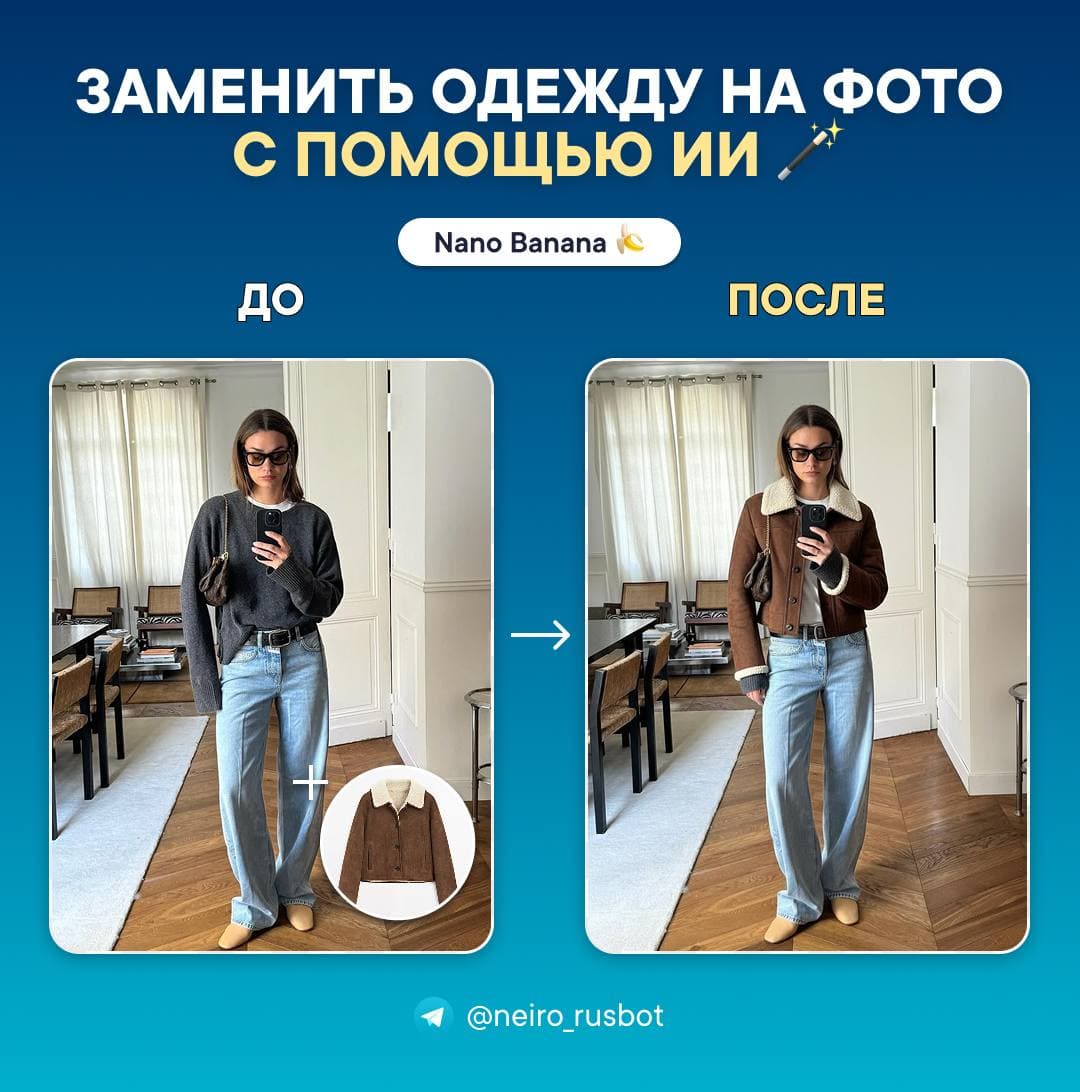
Before and after example: outfit replaced in the source photo with Nano Banana
before/after

Outfit replacement

Nano Banana

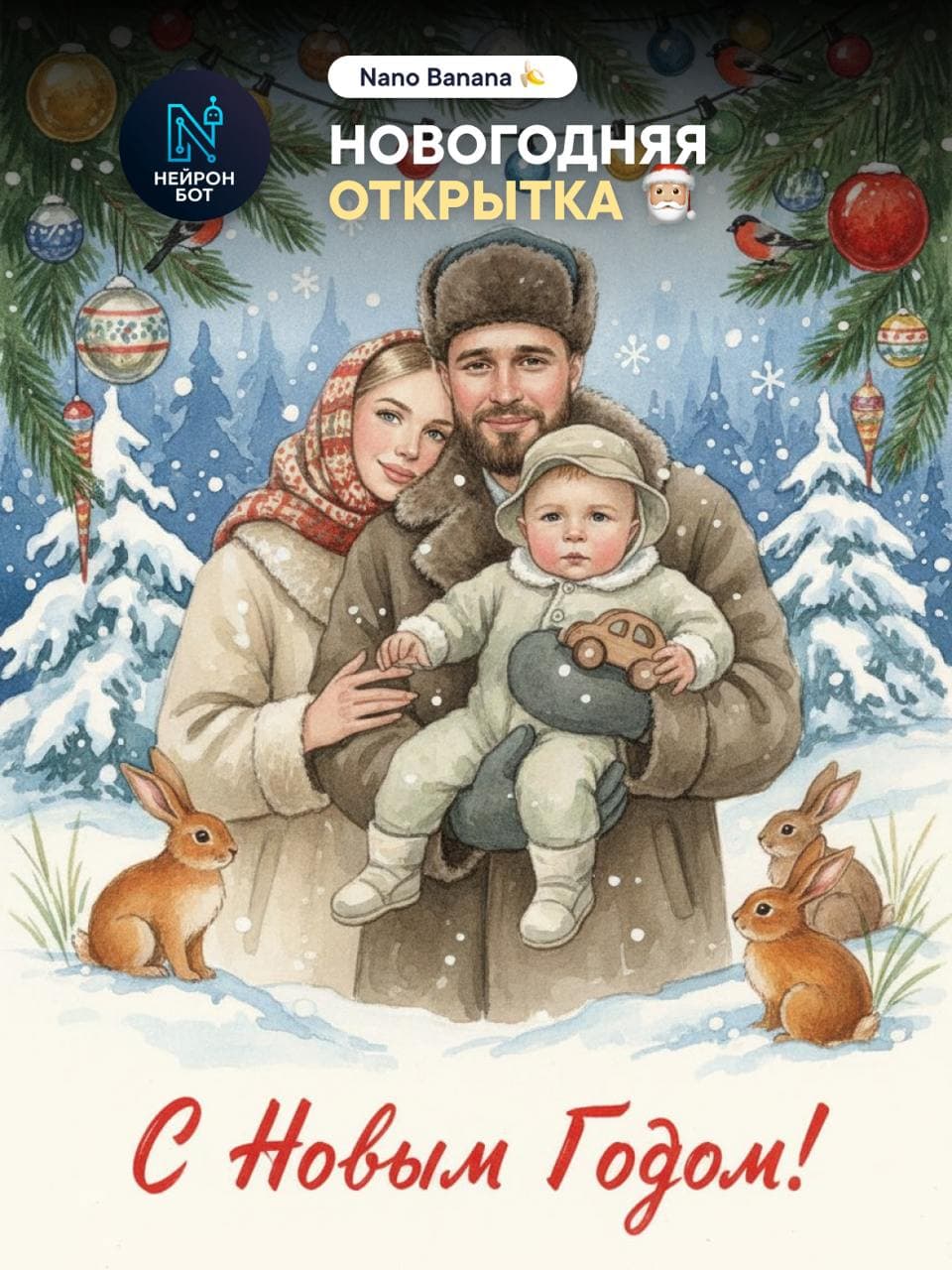
Generated New Year card example created with Nano Banana
example

New Year card

Nano Banana

Available models

Image generation models

This list comes from the current web-platform catalog: Nano Banana, Nano Banana Pro, and GPT Image 2 are available in Images.

Nano Banana

Google

A model for quick image generation from prompts and variants based on photos.

Nano Banana Pro

Google

Pro image mode with selectable 1K, 2K, or 4K quality.

GPT Image 2

OpenAI

GPT Image 2 creates and edits images, including flows with one source photo.

What it is for

Ideas for visuals, posts, and creatives.
Quick start from the browser without a separate install.
Work alongside chat, pricing, and account history.

How to start

  1. 1Click Create in web and sign in.
  2. 2Describe the image or add source material when the flow supports it.
  3. 3Choose a plan with suitable image limits.
Open Telegram

How AI image generation works

AI image generation in Neiron is simple: you describe in words what you want, and the neural network turns that description into a finished picture. No graphic-editor skills are needed — just put the idea into text, and the result appears right in the web workspace.

Everything happens in one account: you start creating an image in the browser, while the subscription, limits, and history stay shared for web and Telegram. You can start on a computer and continue in the bot — progress and access are not lost.

The principle is always the same: the more precise and specific the description (prompt), the closer the picture is to your intent. You set the scene, style, mood, and details — the neural network assembles an image from them, and you can download the result or regenerate it with edits right away.

What you can create with a neural network

AI image generation covers most visual tasks that previously required a designer or a stock library. The most common scenarios are illustrations for articles, posts, and presentations, when you need a unique picture for a specific text rather than a stock template.

The neural network helps make posters and covers, ad creatives, banners, and social visuals in the required format. You can create avatars and portraits in a chosen style, concept art, backgrounds, and themed cards — for example, for holidays or a product launch.

A separate layer of tasks is content assets: previews, emoji stickers, design elements, mockups, and image sets in a single style. All of it is generated from a text description, so the visuals are easy to fit to a brand and you can quickly get several options to choose from.

Generation from a description and from your own photo

There are two main approaches. The first is generating an image from a text description: you write a prompt from scratch, and the neural network creates a picture from your words alone. This is handy when you need a new visual without a source — an illustration, a concept, or a fantasy scene.

The second approach is working from your own photo: you add a source image, and the neural network changes it per your request. This way you can change a person's outfit in a shot, swap the background or style, or turn an ordinary portrait into an artistic scene. Support for uploading a source depends on the flow you choose in the generator.

In short: a description is creating a picture from a blank slate, a photo is transforming what you already have. Both paths are available in one images section, and you choose the one suited to the specific task.

Prompt tips for a quality picture

The quality of the result directly depends on how the request is built. Describe not with one word but with a whole scene: what is in the frame, who the main object is, what is around. The more specifics, the less the neural network guesses for you.

Specify the style and technique (photorealism, watercolour, 3D, minimalism), mood and lighting, angle and composition, as well as the palette or format — horizontal, vertical, square. It helps to state the purpose: "article cover", "social avatar", "event poster".

If the first result does not match your intent, do not rewrite everything — refine one parameter at a time: change the style, add a detail, adjust the background. A few iterations almost always give a better picture than one long first attempt.

Image generation FAQ