Neiron
AI photoshoot from your photo
Create a studio portrait or profile photo. Choose a style, upload your picture and use a ready prompt. Check likeness afterwards.
Sign in to work. Available models and allowances are shown in your account.
Getting started
- Choose a clear portrait without heavy filters.
- Choose a style from the examples or prompts below.
- Open a model, upload your photo and paste the prompt.
- Compare the face, hands and clothing with the source.
Examples
Each example links to its original image, prompt and publication.
Prompts
Copy a suitable prompt and replace any bracketed instructions.
Soft studio portrait
Edit the uploaded photo as a calm studio portrait. Preserve the person's identity, age, face shape, eye colour, hairstyle and clothing. Soft diffused light, a neutral light-grey background and natural skin texture. Do not change the pose or add accessories. No lettering or watermarks.
Check: Compare eyes and face shape. If likeness changes, request only light and background edits.
Profile portrait without a new identity
Prepare a profile portrait from the uploaded photo. Centre the person, keeping the original gaze and expression, with a clean neutral background. Preserve real features, age, hair and clothing. Adjust only lighting and framing. Avoid plastic-looking skin, added jewellery, lettering or logos.
Check: Check the face and square crop; leave space around the hair.
Choose a style
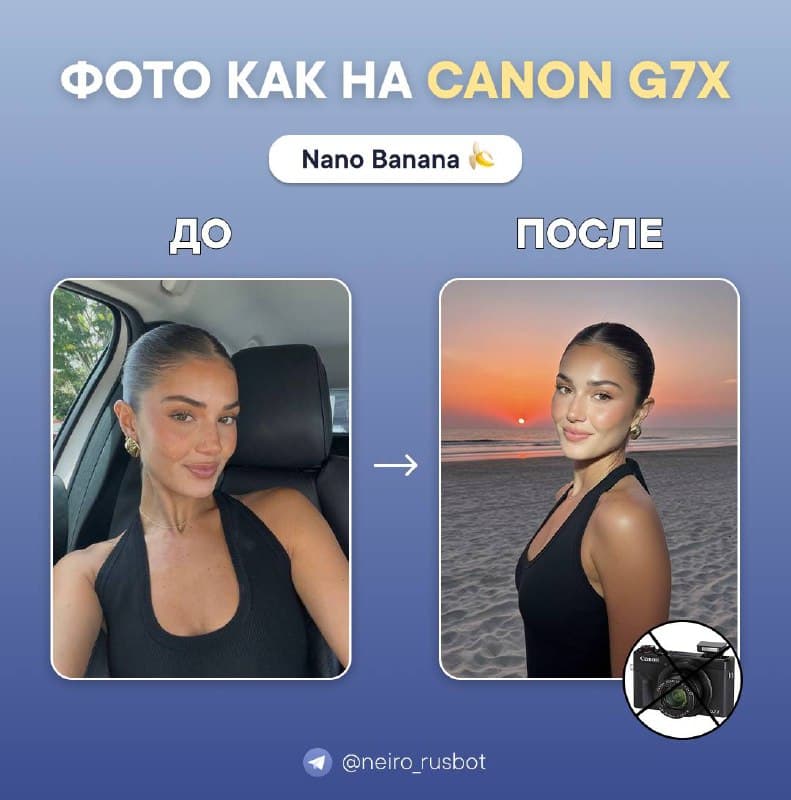
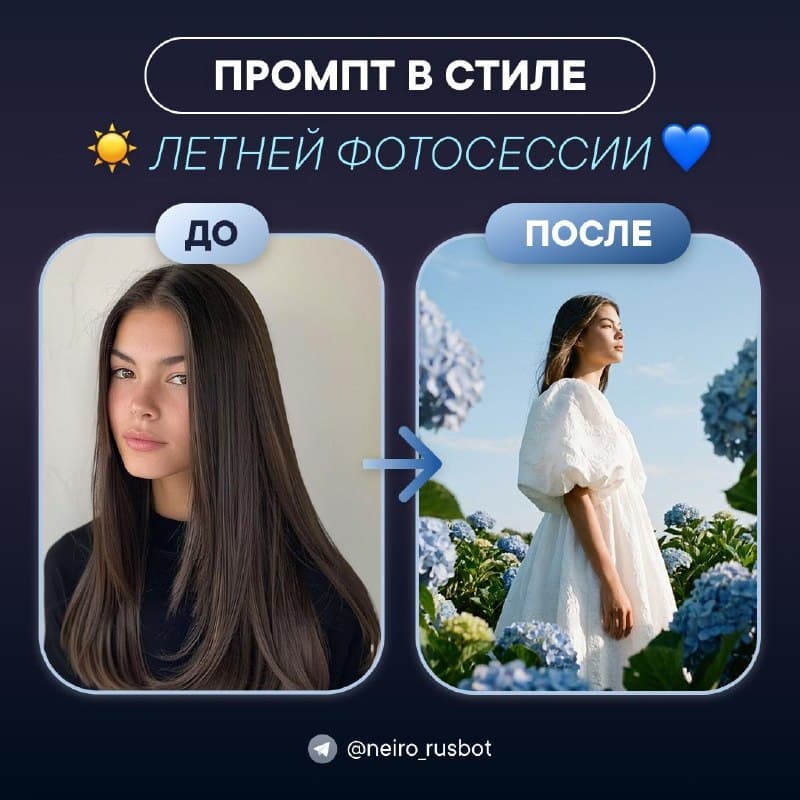
Start with a neutral background for a work profile. Try Canon flash or a floral Pinterest scene for social posts. Each example links to its original prompt.
For a photo series
Use the same source and lighting description. Exact likeness across generations is not guaranteed; inspect every image.
Frequently asked questions
- Can I make an AI photoshoot for free?
- Reading and copying are free. Sign in and check your allowance before generating.
- Does it work without registration?
- You can read without signing in. Uploading and generating require an account.
- Will my face match the source exactly?
- Not always. If the face changes, retry from the original with less stylization.
- How is this different from the Canon and Pinterest guides?
- This page covers photoshoot tasks. The individual guides contain specific images, sources and original prompts.
- Can I use it for a work profile or CV?
- Yes, for a normal profile after checking likeness. Check official requirements for identification photos.