Claude Sonnet 5 in Neiron
Anthropic's flagship model for precise writing, long documents, and professional work.
Capabilities
Long-form writing
Editing and analysis
Code and documentation
Best for
How to launch
- 1
Open Neiron chat and choose the model in the selector.
- 2
Describe the task and add context or a file when needed.
- 3
Compare the answer with an alternative model for important work.
Settings
News examples
Prompts
Rewrite this document more concisely, preserve facts, and flag disputed points.
Review this module for defects and propose a minimal safe patch.
Turn these notes into a structured report draft.
Compare with
Update history
Neiron can do much more than just generate images
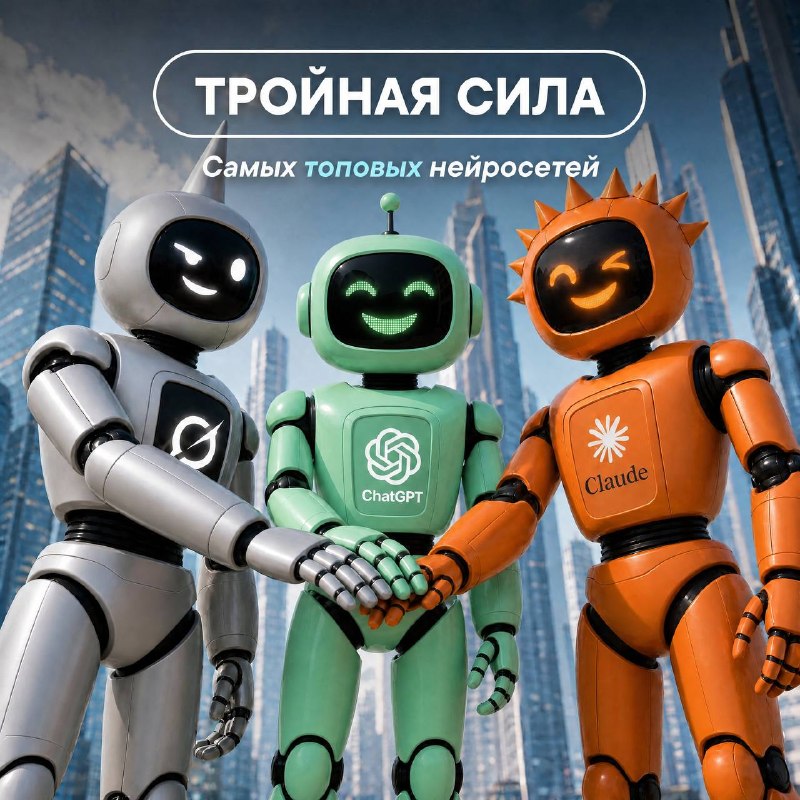
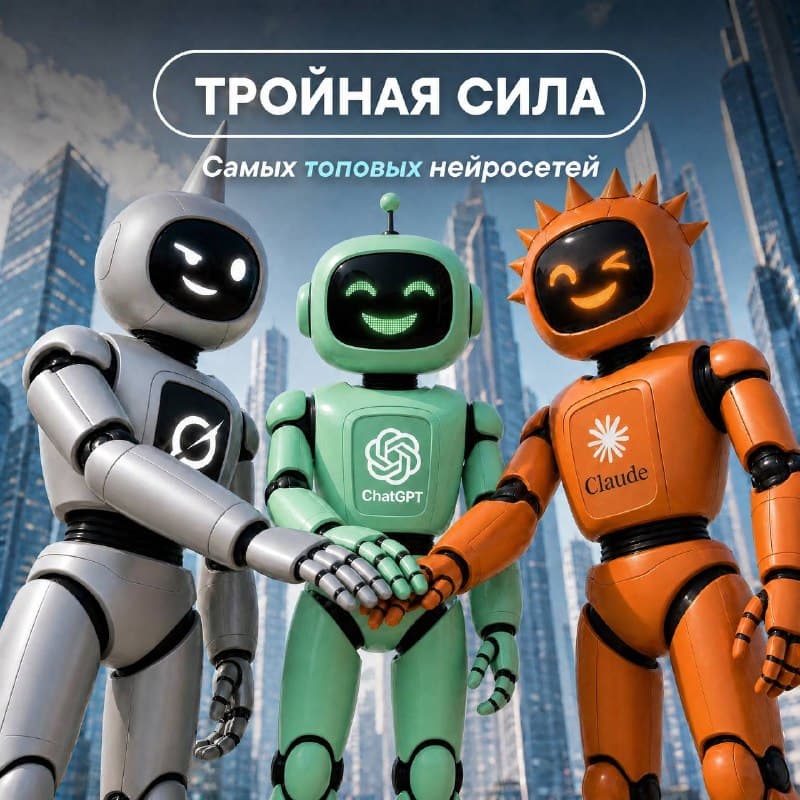
Many use Neiron only for creating photos and videos, but that's just a small part of its capabilities! It can explain a complex topic, plan a trip, or even support you in a difficult situation 💙 ⚡️ The latest text AI models are now available in Neiron: GPT-5.6, Grok 4.5, and Claude Sonnet 5…
Never Seen Before!
We've gathered the world's most powerful neural networks in one place so you can delegate any task to them. Grok 4.5 — an uncensored model from Elon Musk. Claude Sonnet 5 — built on the Fable core, the very model that was banned for hacking the most secure systems.
FAQ
Can I use the model in Telegram?
Yes. Neiron connects web and Telegram workflows where the product supports it.
When should I switch between text models?
Switch when the task needs a different balance of speed, reasoning, search, or answer style.