Image modelsOpenAIAvailable in Neiron

GPT Image 2.5 — image generation and photo editing

Describe a scene or add a source photo and specify what to change. Check the available quality and compare the result with the source before publishing.

Content updated:

Ready-to-use prompts for GPT Image 2.5

Select this model in the bot or on the website. Prepare the listed material, copy a prompt and paste it into the selected model. Replace example details with your own and review the output using the checks below.

These are examples to try, not test results. Copying does not submit a task; check access and allowances in your account.

A product on a neutral background

Before you start

Add one product photo with all details in frame. The example works as a brief for a lamp, cup or shoes.

Prompt

Use the product from the attached photo. Change the background to light gray and add a soft shadow beneath it. Keep its shape, color, details and included parts. Do not add packaging, lettering or other products.

Review the output

Check edges, fittings, patterns and part counts. A sales image must not show features the product does not have.

What to change in the next attempt

If the product itself changed, return to the original and request only a background change, with no new texture or angle.

A cover with short lettering

Before you start

No photo is needed. Select the cover format in settings before submitting.

Prompt

Create a book-club cover with an open book, a cup of tea and a light wooden table. Leave room at the top for the only text: “Read together”. No date, logos or additional lettering.

Review the output

Check every letter and the text placement. Even short lettering needs proofreading before publication.

What to change in the next attempt

If lettering is wrong, shorten it or create a text-free background and add the approved phrase in an editor.
Compare settings and alternatives

Capabilities

Create an image from a prompt.

Edit an uploaded photo.

Choose 1K, 2K, or 4K quality.

Best for

CreativesIllustrationsCovers and posters

Reviewed facts

Developer
OpenAI
Purpose
Image generation and editing
Input
Text, Images
Output
Images
Developer geography
United States
Verified
2026-09-09

Benchmarks

No comparable benchmark is recorded in this card.

Sources

How to launch

  1. 1

    Open the image generator and choose the model.

  2. 2

    Add a prompt and references when the edit flow needs them.

  3. 3

    Review the result and rerun with a sharper prompt if needed.

Settings

Resolution
1K, 2K, 4K
Reference images
up to 16 images
Add source photos and describe the changes you need. A text prompt is enough to create an image from scratch.
An edit may change details you asked to preserve. Compare faces, product shape, and lettering with the source.
External ratings do not measure Neiron or guarantee an individual generation.

News examples

Compare with

Update history

Two of the latest models for work and creativity are now available in Neiron

Two of the latest models for work and creativity are now available in Neiron

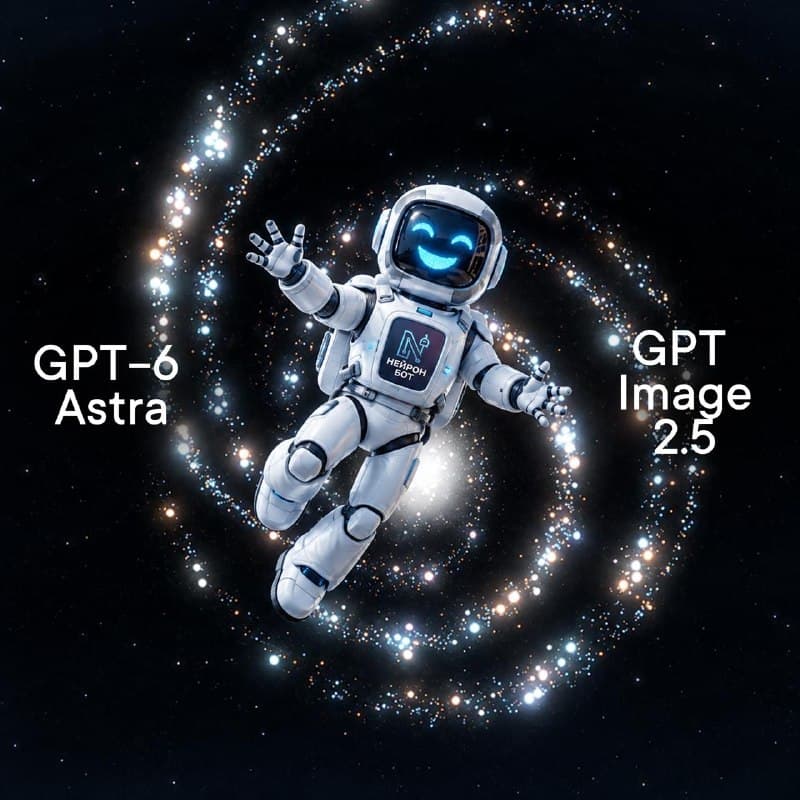
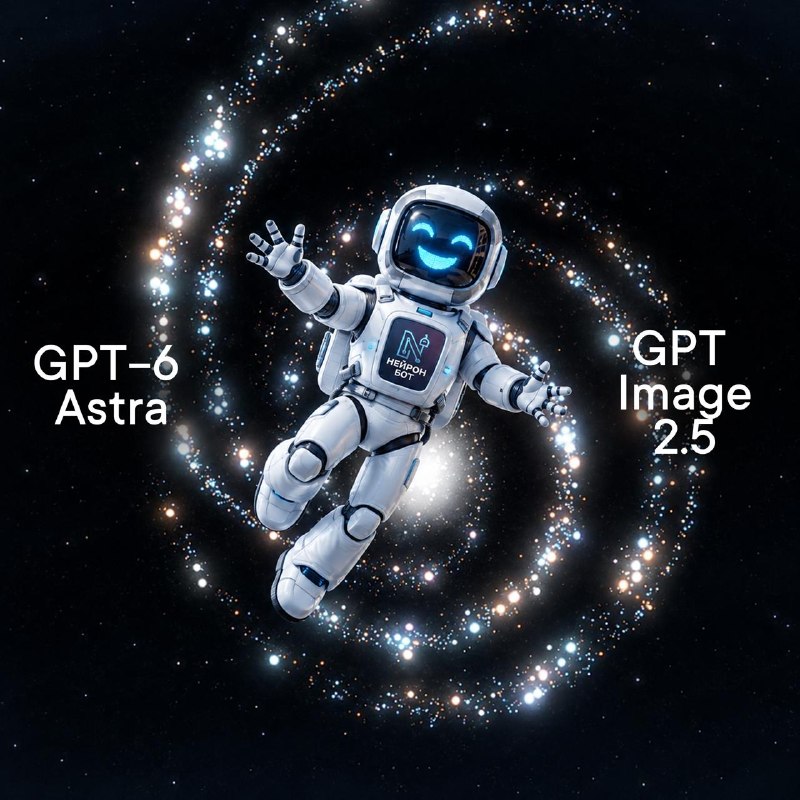
Meet GPT-6 Astra and GPT Image 2.5! 💬 GPT-6 Astra is a flagship model for complex tasks, texts, code, and retrieving up-to-date information. ✨ GPT Image 2.5 is a new model for creating highly complex images, scenes, and visuals. Choose the strongest model for a specific task and work in …

New card trend — grab it before it goes mainstream!3

New card trend — grab it before it goes mainstream!

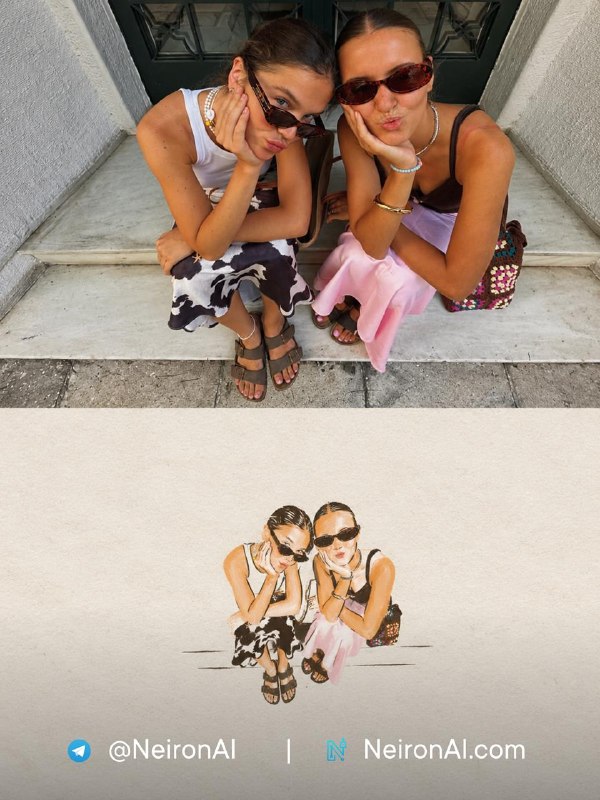
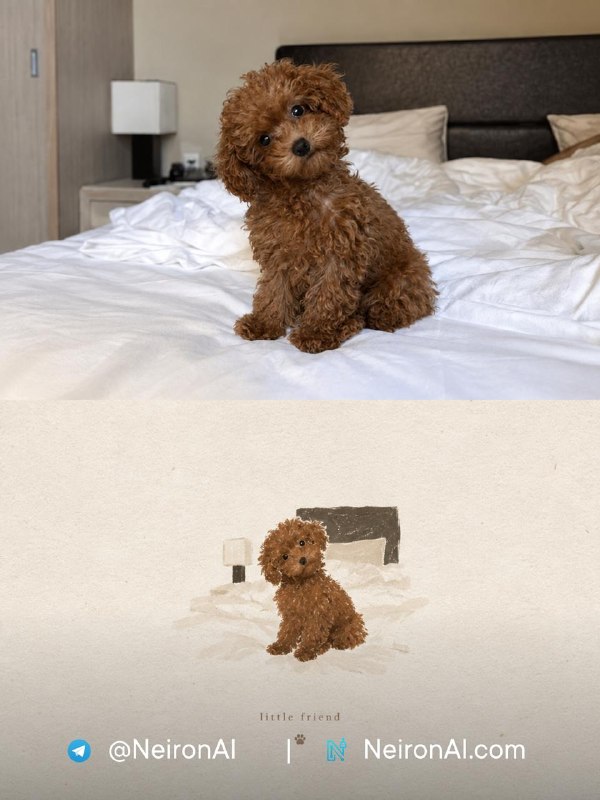
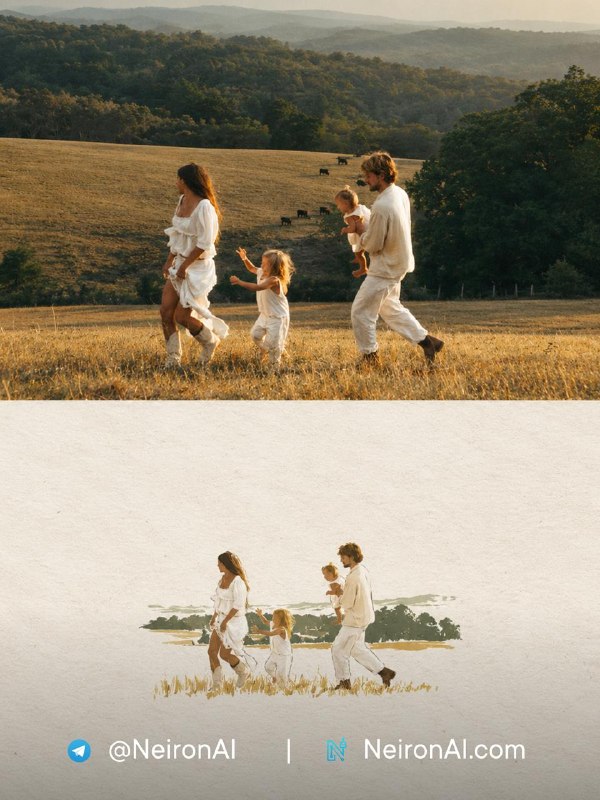
We found an interesting trend on overseas Pinterest: create stylish collages from your photos and cards. This can be used for storytelling or simply to put together a selection of favorite shots 🔥 ✨ How to recreate the effect: 1. Go to the bot and click the '🎨 Create image' button. 2. Select the…

10 промптов Nano Banana Pro для фотосессии из обычного селфи10

10 промптов Nano Banana Pro для фотосессии из обычного селфи

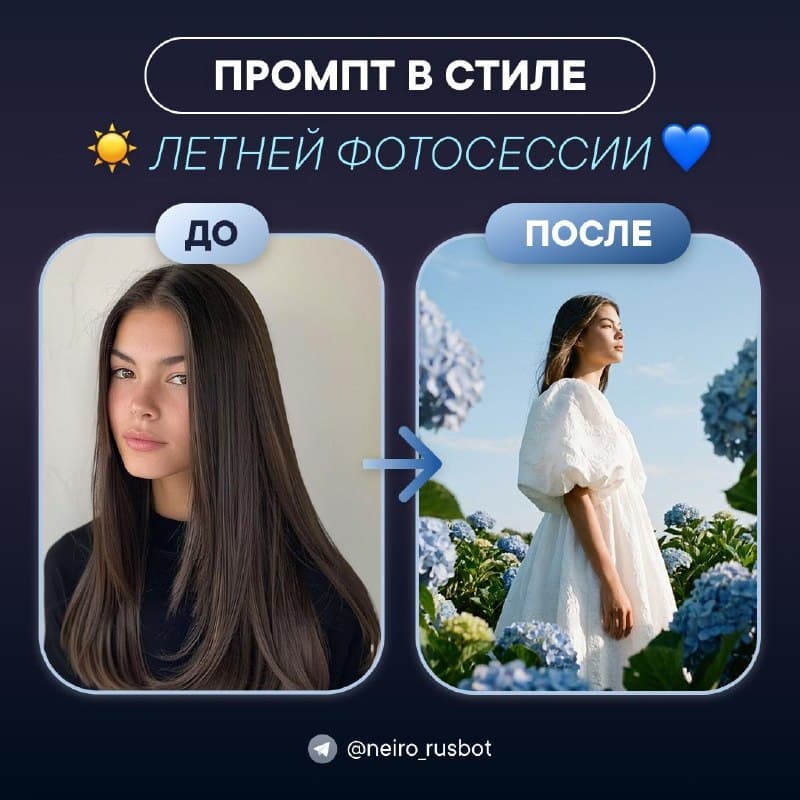
Десять готовых промптов Nano Banana Pro для фотосессии из селфи: день рождения, выпускной, отпуск, 9 Мая и фото на документы — без студии и фотографа.

Нейросеть-стилист: цветотип, причёска и макияж по одному селфи3

Нейросеть-стилист: цветотип, причёска и макияж по одному селфи

Три готовых промпта GPT Image 2, которые превращают селфи в персональный разбор стилиста: карта цветотипа, схема подбора причёсок и инфографика по макияжу.

Nano Banana: 10 промптов Нейрона, которые сохраняют лицо на фото10

Nano Banana: 10 промптов Нейрона, которые сохраняют лицо на фото

Подборка из 10 проверенных промптов Nano Banana для фото: замена одежды, Canon G7X, семейные портреты, документы и birthday-сцены с сохранением лица.

Video

Create a Paper ASMR Trend with Seedance

Imagine your product looking like it's made of paper with impressive ASMR — looks unusual, mesmerizing, and immediately catches attention 👀 ✨ How to replicate the effect: 1. Go to the web platform and navigate to the 'Design' section. 2. Select the model 🌠 GPT Image 2 and upload your photo. 3. Co…

FAQ

Can I edit my own photo?

Yes, when the selected mode supports an input image. Describe the edit and the details to preserve, then review the result.

Which quality options are available?

This product card lists 1K, 2K, and 4K; actual options depend on the selected generator mode.

Can I use several source photos?

Yes, when the selected mode accepts multiple references. Assign each photo a role and check that the result preserves the required details.