Nano Banana
A model for quick image generation from prompts and variants based on photos.
Neiron: leading AI models on one platform
Create an image from a description or edit your photo. Select a model for the task and check generation terms before starting.
Product examples
These are real public Neiron assets from the existing product gallery: photo edits, study tasks, and generated visuals.
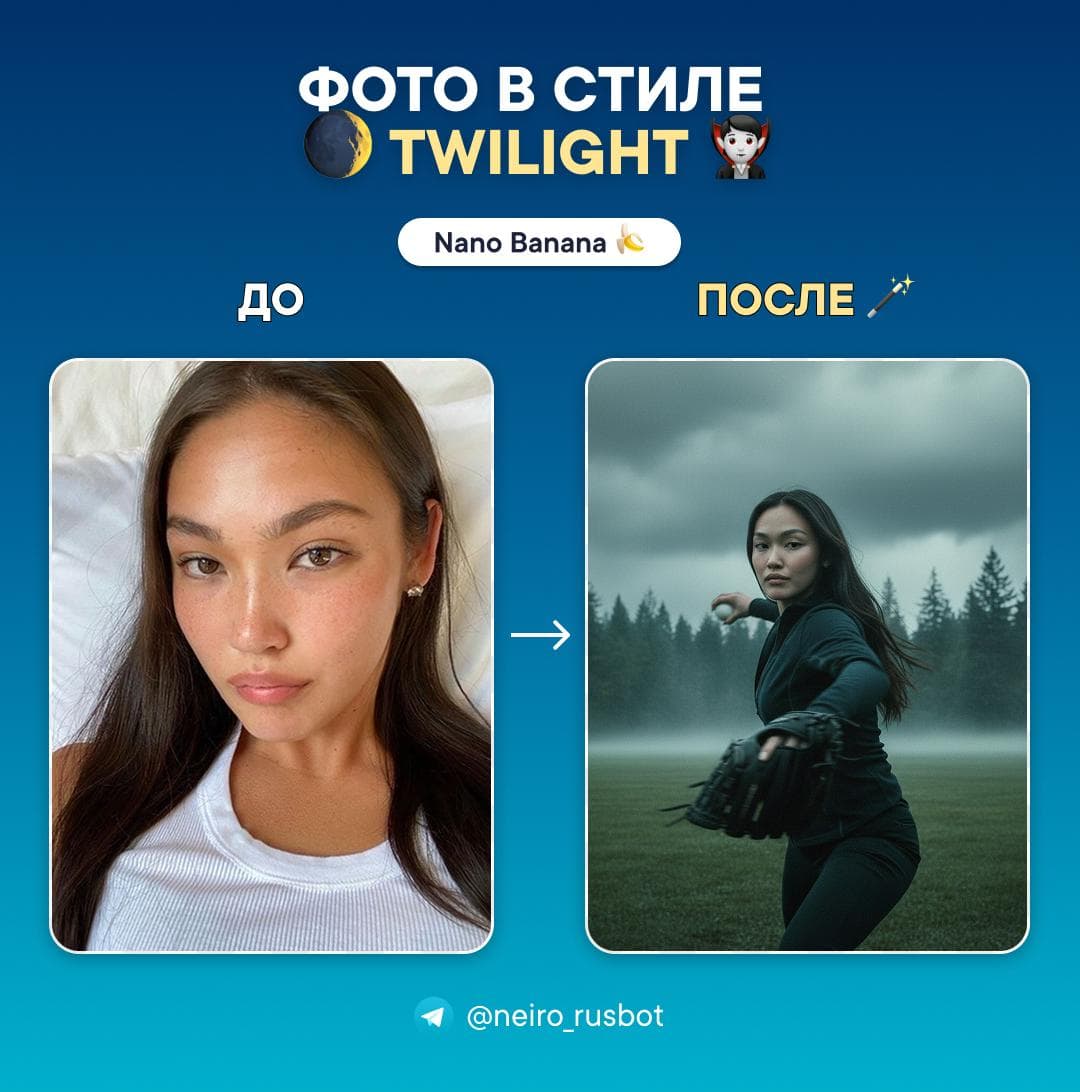
Twilight-style portrait
Nano Banana
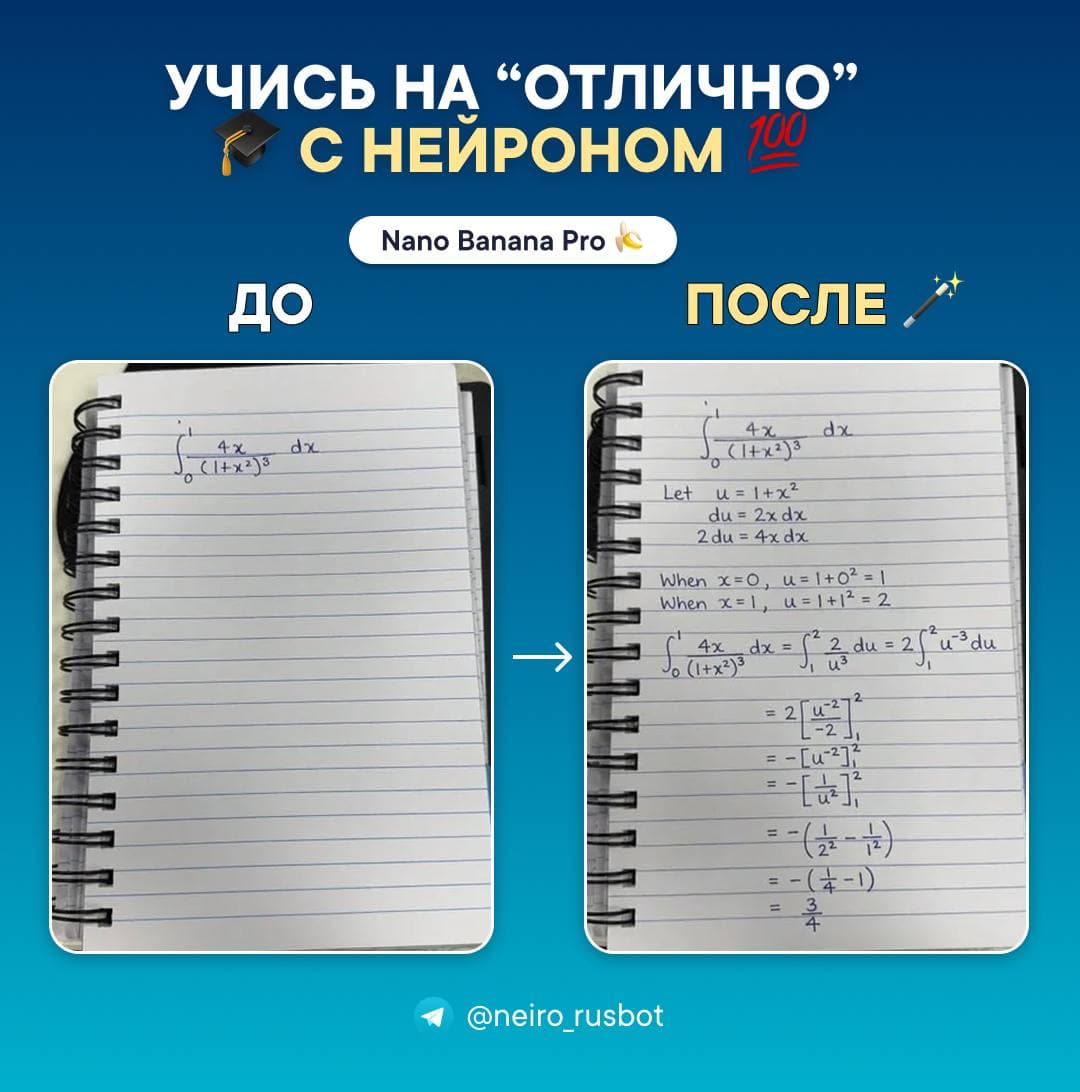
Study problem walkthrough
Nano Banana Pro
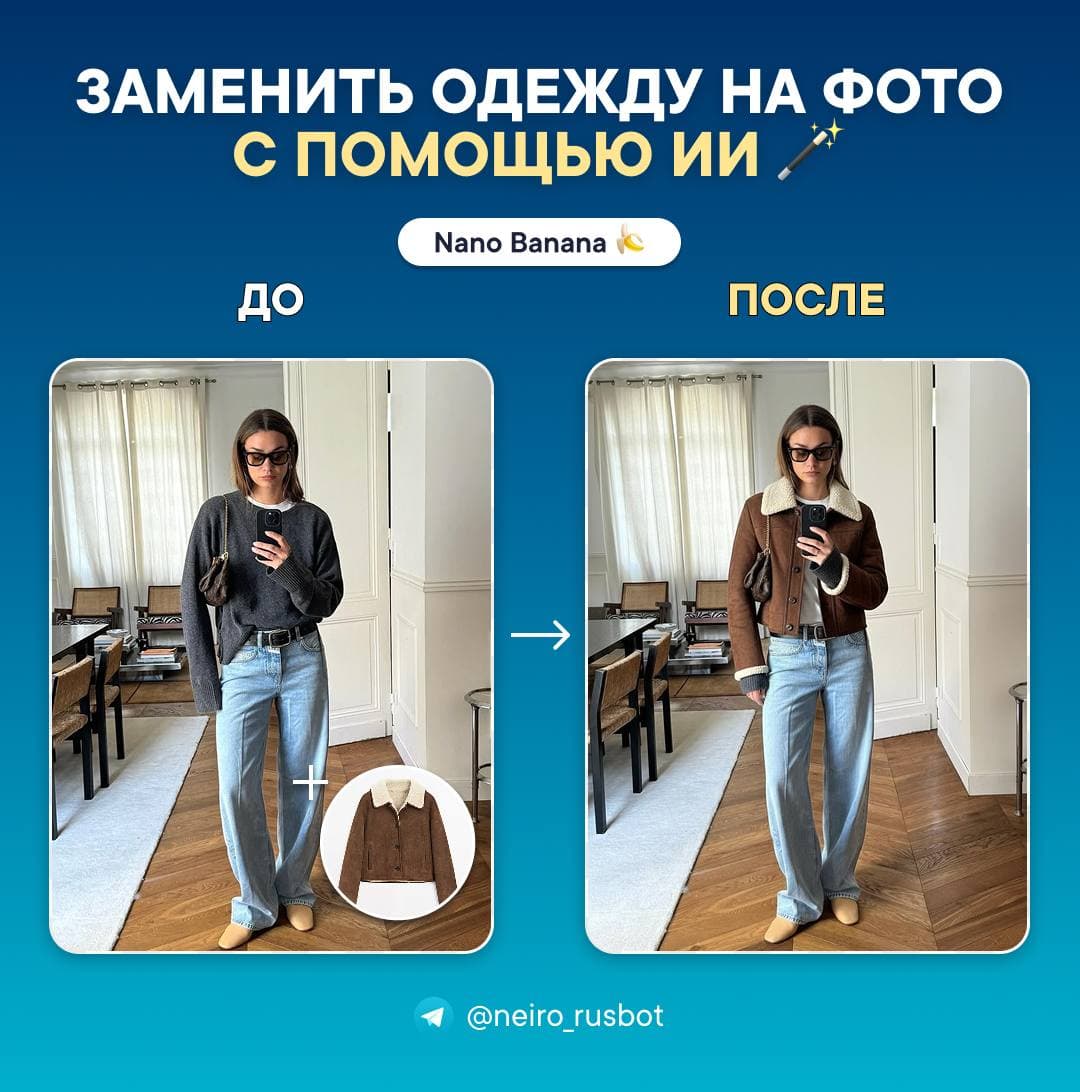
Outfit replacement
Nano Banana
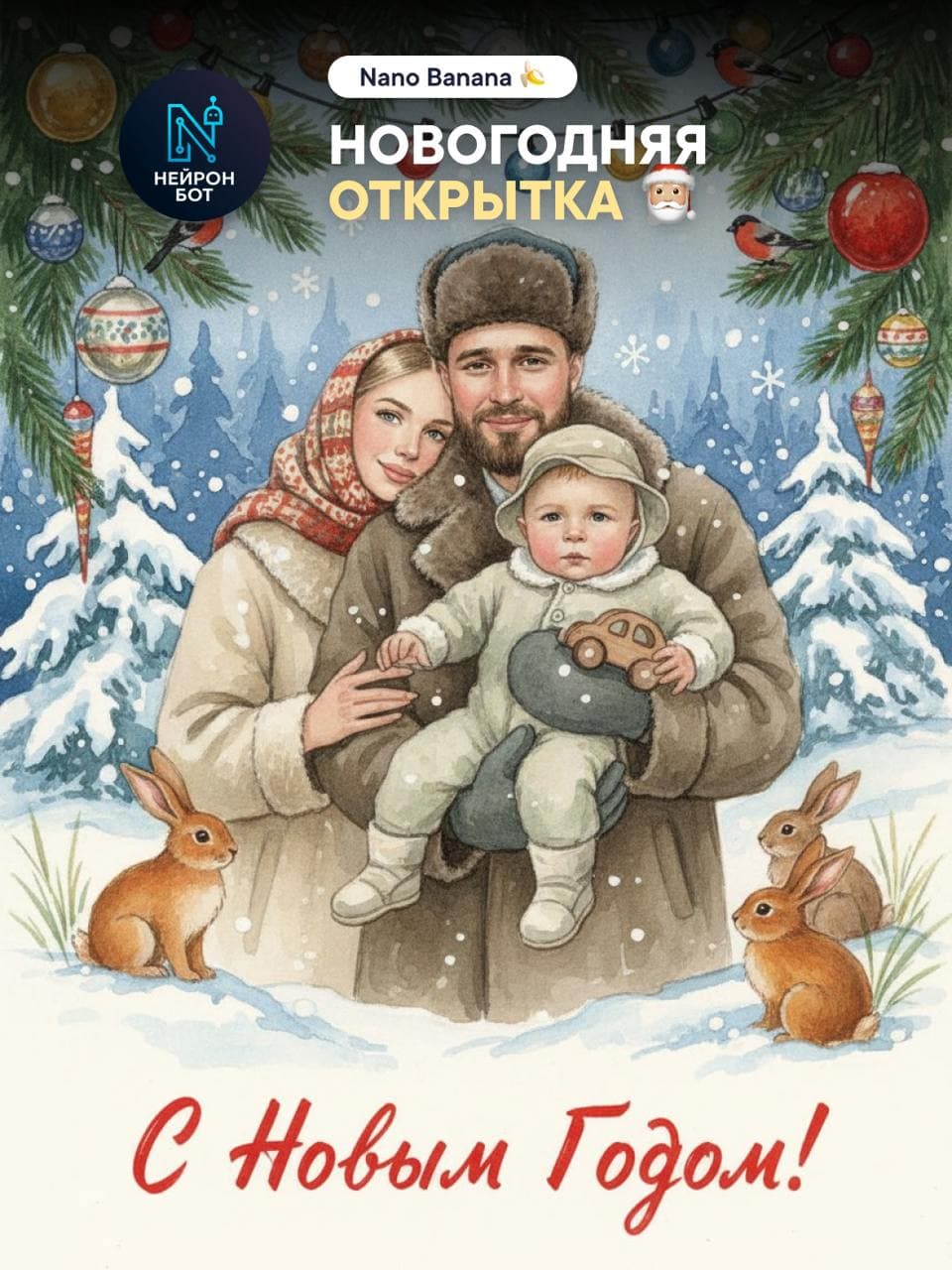
New Year card
Nano Banana
Available models
This list comes from the current web-platform catalog: Nano Banana, Nano Banana Pro, and GPT Image 2.5 are available in Images.
A model for quick image generation from prompts and variants based on photos.
Pro image mode with selectable 1K, 2K, or 4K quality.
OpenAI
GPT Image 2.5 creates and edits images, including flows with one source photo.
Describe the subject, main object, style, lighting and format. For example: “Product photograph of a ceramic cup on a light table, soft side lighting, square composition, no lettering.” This illustrates a prompt, not a tested output; quality and adherence depend on the model and inputs.
Check the composition first, then change one parameter at a time. Inspect lettering, logos, hands and important product details separately. Generation does not guarantee an error-free result or replace checks before publication.
To change a background, outfit or style, add a source image and choose a mode that accepts it. Describe what to change and retain: “Replace the background with plain light grey; keep the object, its shape and lettering.” Compare with the original; exact preservation of every detail is not guaranteed.
A new illustration does not necessarily need a source; editing a particular photo requires that photo. Use images you are entitled to process. Available formats and restrictions are shown when selecting a model and uploading a file.
Compare source-image support, available sizes, editing options and allowance usage. The current models are listed above. Different models produce different results from the same prompt; choose for your task rather than assuming one model is universally best.
Web and Telegram use the same account and access; chat histories and workflows may be separate. Save inputs and outputs in the interface you use. Text, image and video allowances are defined separately by the plan.